Racing
4.1
Drink Drive

Drink Drive
5,482
In Drink Drive, experience the thrill of a fast-paced, casual game where you control a speeding car on a dark highway. Your mission is simple yet challenging: avoid crashing into falling alcohol bottles while testing your reflexes to see how long you can survive. It's a fun and engaging way to put your quick reaction skills to the test in this 2D pixel adventure.
Recommended Games
Trailer Truck Parking
4.57,220
Use arrow keys to control the movement of your vehicle. Pressing up accelerates forward, down reverses, left steers left, and right steers right. Manage speed and direction to navigate through various challenges and obstacles on the road.
Zombie Raft
4.13,792
Click or tap the screen to interact and progress through the game. Use these inputs to respond to in-game prompts and navigate challenges.
Lollipop Stack Run
4.17,210
Click or tap on the screen to interact with the game elements, making choices that affect your progress and outcomes.
GT Racing
4.93,846
Click or tap on the screen to interact and progress through the game. Use these inputs to trigger actions, select options, or navigate within the game environment.
Money Chaser Parkour Game
4.17,133
For Keyboard press Space to Jump and A for Slide or Shoot In Boss Battle For Touch Screen Mobile tap Right part of screen to Jump and tap Left part to Slide or Shoot In Boss Battle Use these controls to navigate through levels and defeat enemies effectively.
Car Race Drag Shift 2023
4.44,005
Press the button in the game to start playing and interact within the gaming environment.

Traffic Racing: Overtake Everyone
4.47,233
Begin by selecting a car with unique traits from your garage. Next, pick between one-way or two-way traffic modes. Navigate through the city, maneuvering your vehicle around others to prevent crashes.
Car Driving 3D Champ 2024
4.34,311
Navigate using Keyboard Arrows: up to move forward, down to reverse, left and right to change direction. Press the Space bar to apply the handbrake for quick stops or precise turns.
Christmas Sledge Rider 3D
4.75,199
On desktop, use A and D keys or arrow keys to move. On mobile, hold your finger and swipe left or right to navigate.
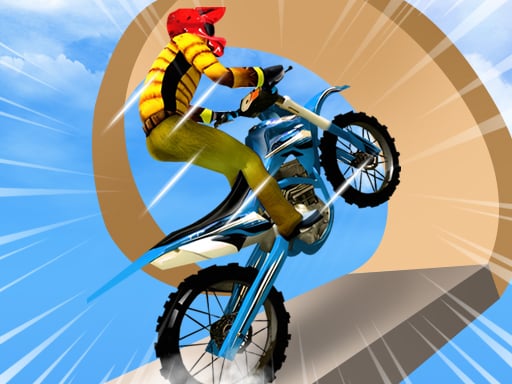
Bike Stunt Racing Legend
4.65,626
Click or tap the screen to interact and progress in the game. Use these inputs to trigger events, select options, and control elements within the game environment.

Runner Blob 3D
4.83,712
In this game, players control a mouse navigating through various mazes. The objective is to collect all the cheese scattered within the maze while avoiding predators like cats and traps. Players must use keyboard arrows or wasd keys for movement, spacebar to jump over obstacles, and e to interact with objects that may help in collecting cheese or escaping dangers. Levels increase in difficulty with more complex mazes and additional challenges like moving platforms and time limits.

Santa And The Chaser
4.53,487
Click or tap on the screen to interact and play. Use these inputs to navigate through levels, select options, and trigger actions within the game environment.
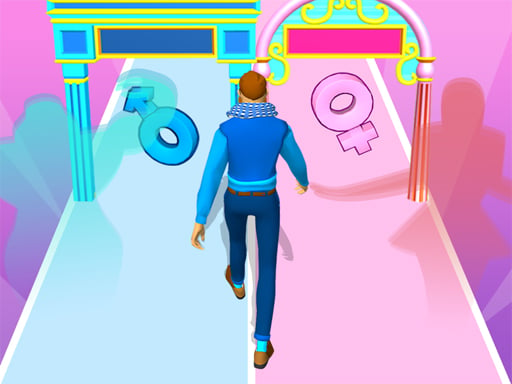
Find Your Gender
4.55,187
Click or tap on the screen to interact and play.
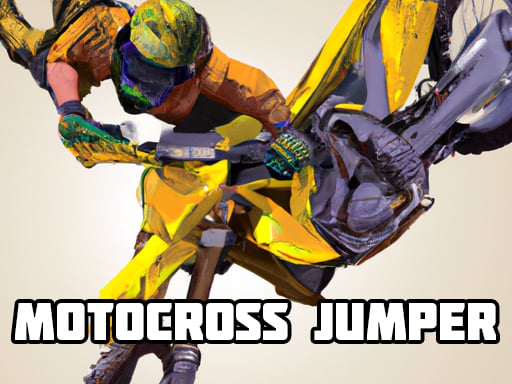
Motocross Jumper
4.16,536
UP Accelerates your speed LEFT Rotates you left RIGHT Rotates you right Use Mouse to move in desired directions for more precise navigation
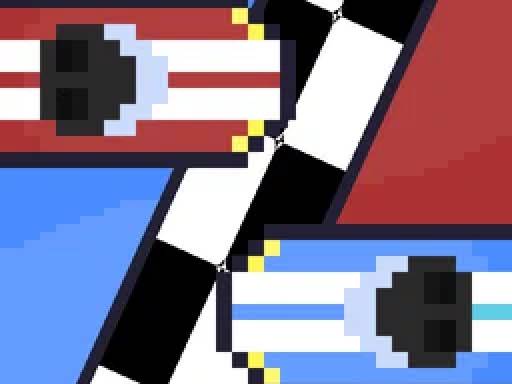
Pixel Racers
4.66,778
In this game, players can move their character using several methods. On a keyboard, the up, down, left, and right arrow keys are available for navigation. Alternatively, the W, A, S, and D keys offer similar movement controls. For mobile devices, arrow keys that appear directly on the screen allow for easy directional movement, providing an intuitive experience across different platforms.
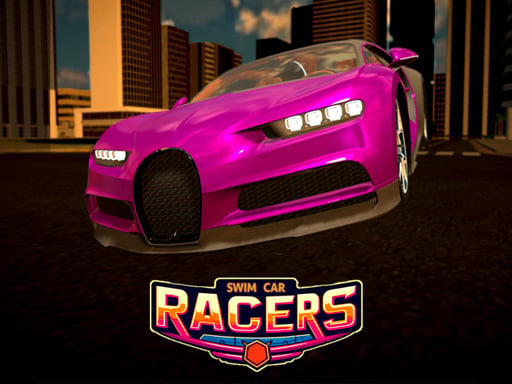
Swim Car Racers
4.06,220
MOVE using WASD keys or arrow keys for navigation. NO SLEFT SHIFT for handbrake. SPACE for other actions.
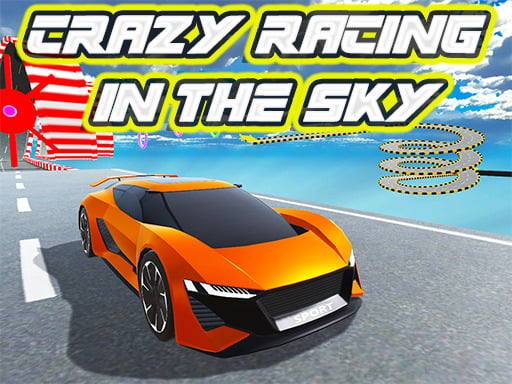
Crazy racing in the sky
4.23,309
WASD or arrow keys control your vehicle's movement. Press spacebar to use the handbrake for sharp turns. Use Tab to switch perspectives of your car for better visibility. P pauses the game, allowing you to take a break. R brings your vehicle back if you crash.

Bus Driving Simulator 2024
4.16,458
Click or tap on the screen to interact and play.
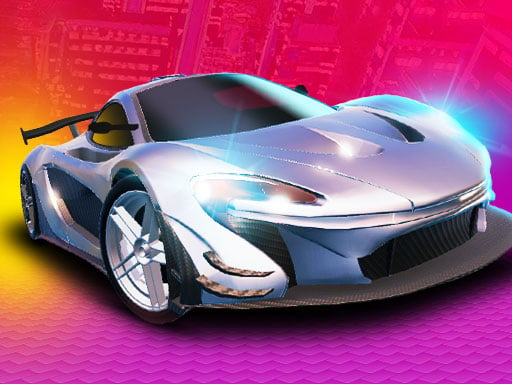
Grand Cyber City
4.95,916
PLAYER 1 uses W A S D or arrow keys for movement, Shift for speed boost, Q or E for weapon switch, T to look behind, R to reset car, C to change camera view. PLAYER 2 uses ARROWS or WASD for movement, Shift for speed boost, F to open gun, T to look behind, R to reset car, C to change camera. For two-player mode, PLAYER 1 controls with W A S D or arrows, Shift for speed, Q E for weapons, T to look behind, R to reset, C to change view. PLAYER 2 uses arrow keys or WASD to move, Shift for speed, F for gun, T to look behind, R to reset, C to change view.
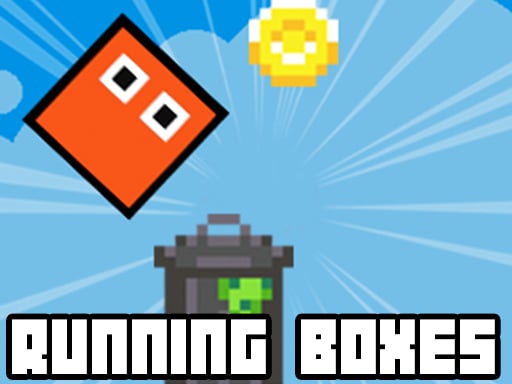
Retro Running Boxes
4.27,227
Click or tap the screen to interact and progress through the game.